Restaurant QR code: should you display VAT-included prices, allergens and terms on the digital menu?
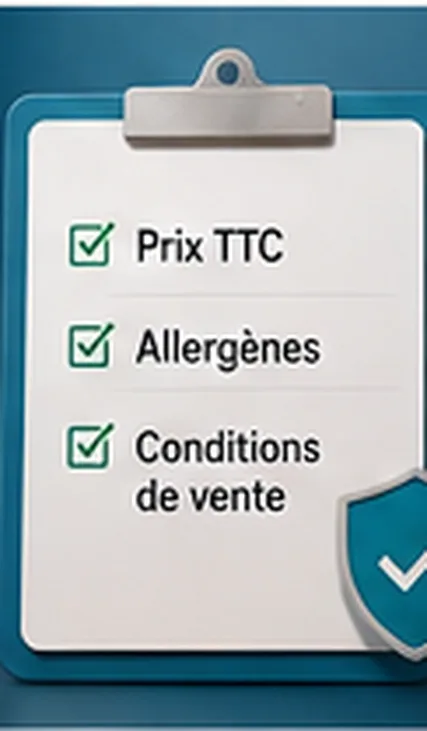
A QR menu shouldn't just be nice to look at or practical. It must also be clear, complete and reliable for the customer. Several pieces of information become important: prices, extras, allergens, ordering terms, payment, any fees, and service-related information. Even though a QR code doesn't replace all physical display obligations, it can become an excellent information medium if the content is well structured.
VAT-included prices: why they matter on a digital menu
The customer shouldn't have to guess the final price. Ambiguous situations to avoid:
- no price displayed
- an extra shown too late
- fees added at payment time
- a price different from the paper menu
- a paid option presented as free
In French restaurants that charge a service fee, displayed prices must include tax and service, with the appropriate wording. French consumer authorities also require restaurateurs to state whether a drink is included in a set menu, and that any additional costs be communicated before the sale is completed.
Can the QR code replace all mandatory displays?
No. French consumer authorities state that a business cannot rely solely on a QR code for access to all mandatory restaurant displays. A restaurant must remain vigilant and keep the necessary mandatory displays on-site. The digital menu can complement the information, but it must not remove the physical obligations. See also our article on the legality of QR code ordering without a till or printer.
Should allergens be visible?
Customers must be able to access reliable information about allergens in products. A QR menu can be an excellent way to make this information more accessible, provided it's accurate and kept up to date — on each product card, with pictograms or a detailed list, and with a note inviting the customer to flag an allergy to the team. See our complete guide to managing allergens in a QR menu.
The QR menu must stay simple
Adding information doesn't mean overloading the screen. The right approach is to prioritise:
- 1. product name
- 2. price
- 3. short description
- 4. allergens
- 5. options
- 6. extras
- 7. useful terms
QR2App: making information clearer
QR2App lets restaurants, bars and hotels offer QR code ordering without a mandatory POS or an imposed printer, with a digital menu that structures prices, options, extras, allergens, payment and availability. To go further, also see our guide to digitising your restaurant menu and our comparison of a simple QR menu vs ordering with payment.
Common mistakes to avoid:
- not displaying prices clearly
- forgetting the price of extras
- not updating allergens
- not stating payment terms
- making the QR code mandatory with no alternative
- overloading the digital menu
FAQ
Must a QR menu display prices?
Yes, prices must be clear and understandable for the customer.
Must prices include tax?
In French restaurants, displayed prices are generally shown all taxes included, and service included where a service charge applies.
Does the QR code replace all mandatory displays?
No. French consumer protection authorities (DGCCRF) state that a business cannot rely solely on a QR code for access to all mandatory information displays.
Can allergens be shown on a QR menu?
Yes, it's even a good way to make the information more accessible, provided it's accurate and up to date.
Should extras be displayed?
Yes, extras must be clearly displayed before the order is confirmed.