How to digitise your restaurant menu: the complete guide
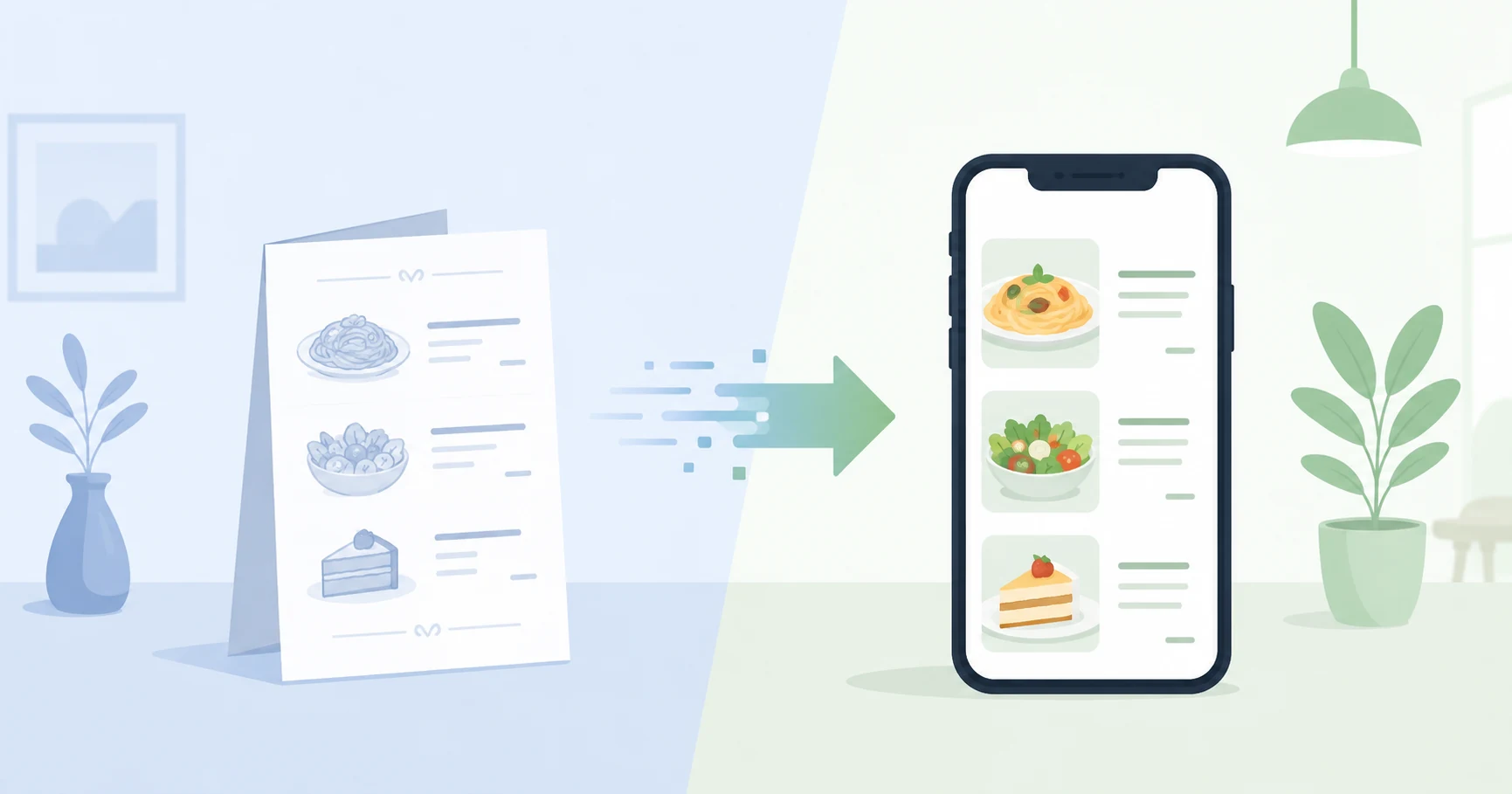
Digitising your menu means replacing — or complementing — the paper menu with a digital version accessible online, most often via a QR code placed on the table. Beyond the 'modernity' effect, digitising the menu delivers concrete gains: flexibility, printing cost savings, better showcasing of dishes and, if you go all the way, autonomous ordering and payment. This guide details why and how to digitise your menu, step by step, with mistakes to avoid.
What is a digital menu?
A digital menu is a digital version of your menu, viewable on a smartphone. The customer accesses it by scanning a QR code, or via a link. Depending on the level of sophistication, it can range from simple display (the equivalent of a PDF online) to a full ordering and payment platform.
The difference between these two extremes is enormous in terms of value: the first merely informs, the second transforms the service. To understand all the possibilities, read our full guide on the QR code menu.
Why digitise your restaurant menu?
Instant updates
Changing a price, removing an out-of-stock dish, adding a daily special or launching a seasonal menu takes just a few clicks, with nothing to reprint. The menu is up to date for everyone, all the time. No more crossed-out menus or announced-but-unavailable dishes.
Zero recurring printing costs
A paper menu wears out, gets stained and must be reprinted with every change. Over the year, printing represents a cost and a chore. The digital menu eliminates this expense.
Better showcase of dishes
Appetising photos, polished descriptions, highlighted specialities: a digital menu sells better. A dish's visual increases its order rate. Upsells can be suggested at the right moment, increasing the average basket.
Multilingual: an asset in tourist areas
A digital menu can display in the customer's language. For a tourist establishment, this is a direct gain: a customer who understands the menu orders more and more easily.
Always compliant information
Allergens, product origins, legal mentions: the digital menu allows keeping this information up to date and accessible, without reprinting at every regulatory update.
Hygiene and image
No more paper menus handled by dozens of customers. The digital menu meets hygiene expectations and projects a modern image.
The steps to digitise your menu
- 1
Structure the menu
Organise your categories (starters, mains, desserts, drinks), with for each item a name, description, price and allergens. A well-structured menu is more readable and converts better.
- 2
Add quality photos
This is the most profitable investment. Clear, appetising photos of your flagship dishes increase orders. Avoid generic images.
- 3
Choose a suitable tool
Select a solution that hosts the menu, makes it responsive (readable on mobile) and generates QR codes. Check it handles multilingual if you need it.
- 4
Decide on the level: consultative or interactive
This is the key decision. A purely consultative menu informs; a menu with ordering and payment transforms the service. If your objective is to save time and increase turnover, choose the interactive option.
- 5
Deploy the QR codes
Place them on each table, at the counter, on the terrace, even in the window for takeaway, with a clear instruction ('Scan to see the menu').
- 6
Train the team and track
Guide your team on the new flow, and use data (popular dishes, peak hours) to optimise the menu.
The most common mistake: settling for a static PDF
Many establishments digitise their menu by simply putting a PDF behind a QR code. It is better than nothing, but it is the classic false good idea: a PDF is poorly readable on mobile (you have to zoom and scroll), offers neither ordering nor payment, and adds no service value. Customers perceive it as a poor substitute.
Always prefer a proper responsive digital menu, designed for mobile — and ideally, with integrated ordering and payment.
Going all the way: integrated ordering and payment
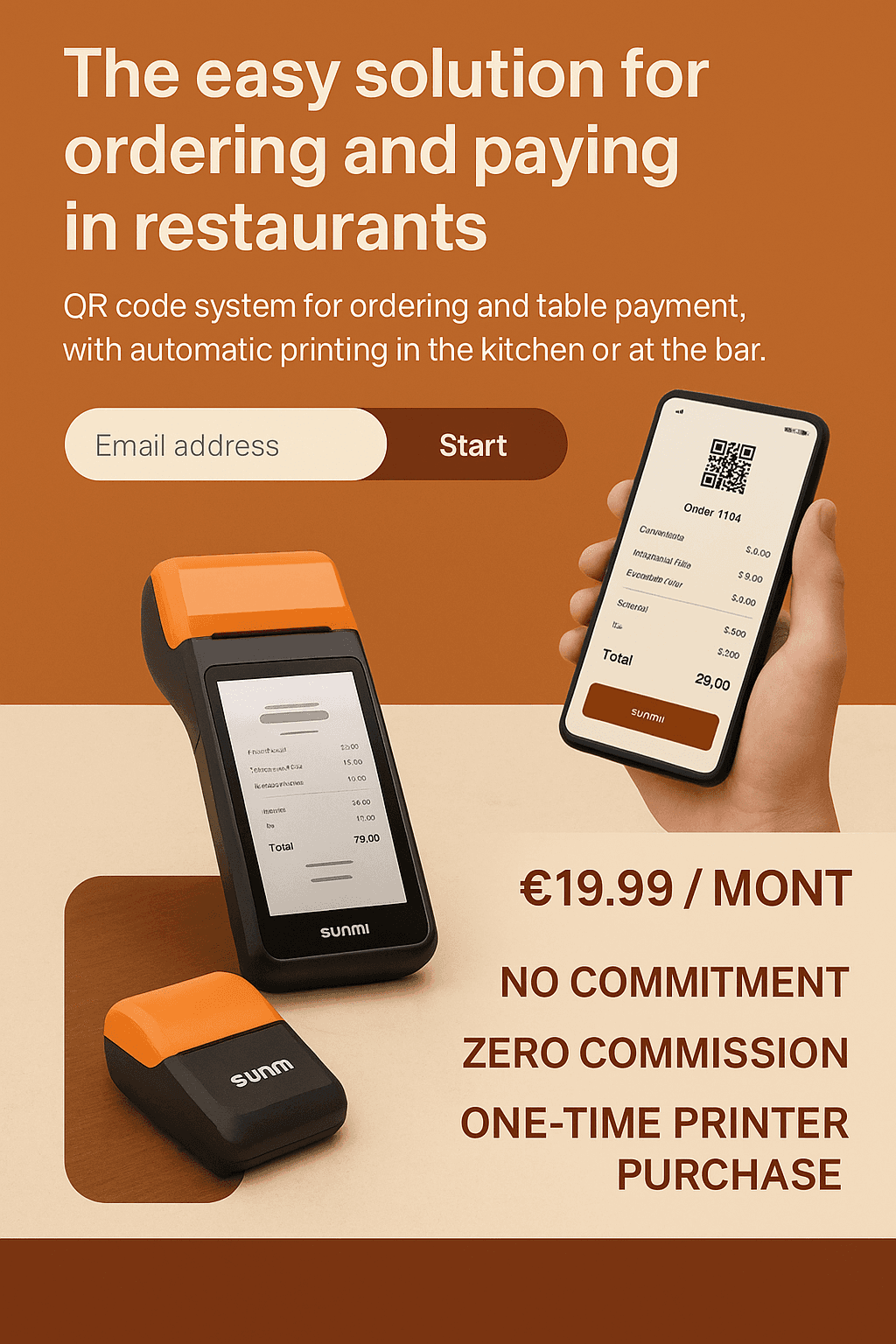
Digitising the menu only makes full sense when it is accompanied by ordering and payment. The customer no longer just browses: they order and pay from their phone. You gain on every front — service time, increasing table turnover, average basket, customer satisfaction. That is the difference between 'having a menu online' and 'transforming your service'.
How much does digitising a menu cost?
The cost depends on the model. Some solutions take a commission on sales, others charge a subscription. For a menu with ordering and payment, QR2App offers a fixed subscription from €19.90/month, with no commission: a predictable budget, whatever your volume. To compare with other solutions on the market, read our guide on the price of a QR code solution.
FAQ
Do you need to completely remove the paper menu?
No, not immediately. You can keep the paper menu in parallel while customers get used to it, then switch gradually.
Does a digital menu work without an app to install?
Yes. The customer scans the QR code and the menu opens in their browser, no download needed.
Can you update the menu yourself?
Yes, that is the whole point: changes take just a few clicks, in real time.
Is digitisation suitable for small establishments?
Yes. Whatever the size, a digital menu saves time and adds flexibility, with a moderate entry cost.