Manage allergens and options with a QR menu
Guide

How to manage allergens, options and extras with a QR menu

A QR menu isn't just for displaying a digital menu. Well designed, it can also help a restaurant, bar or hotel better manage allergens, options, extras and order customisations. If this information is poorly managed, the risk is twofold: a poor customer experience and operational errors. A QR menu can reduce these problems by making choices clearer right from the order.

Allergens: information that must be visible

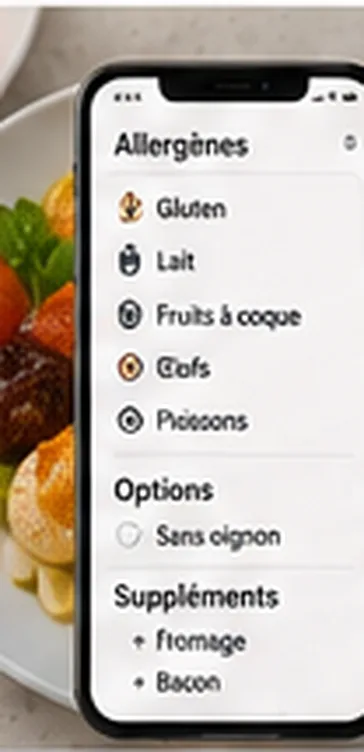
The customer must be able to easily identify products that could be a problem. A QR menu can help clearly display allergens for every product:

glutenmilkeggspeanutstree nutssoyfishcrustaceansmolluscscelerymustardsesamesulphiteslupin

A QR menu doesn't replace serious organisation in the kitchen: information must be accurate, up to date and validated. See also our article on prices, allergens and terms on a digital menu.

Options and extras: simplifying customer choice

Options let the customer customise their order without writing a free-text note. These choices can be shown at the right moment, directly on the product card:

cooking choicesauce choiceside choiceportion sizeextra cheesegluten-free optionvegetarian optionspice level

Structured options reduce the risk of error compared to an ambiguous free-text note ("not too done", "as usual"). The team then receives an order that's easier to read and prepare. Well-presented extras are also a lever to increase average basket size.

How to organise a QR menu with options

  1. 1

    Create clear categories

    Avoid overly long menus: starters, mains, drinks, desserts, cocktails, tapas, set menus...

  2. 2

    Add allergens to every product

    The information must be visible, but not overwhelming.

  3. 3

    Use mandatory options when needed

    For example, how a burger is cooked or the choice of a side.

  4. 4

    Use optional add-ons for extras

    For example, extra cheese, sauce or toppings.

  5. 5

    Limit the number of options

    Too many options can slow the customer down and complicate the kitchen.

  6. 6

    Test the menu with the team

    Before launching, check that received orders are clear and workable.

QR2App: manage ordering without unnecessary complexity

QR2App lets venues offer QR code ordering without a mandatory POS or an imposed printer. For options, extras and allergens, the benefit is structuring the customer journey and sending clearer orders to the team, via an interface with notifications. To go further, also see our guide to digitising your restaurant menu and our comparison of a simple QR menu vs ordering with payment.

Common mistakes to avoid:

  • not displaying allergens
  • leaving only a free-text field
  • offering too many options
  • forgetting the price of extras
  • not updating the menu
  • not testing the kitchen-side output

FAQ

Can a QR menu display allergens?

Yes, a QR menu can show allergens on every product, provided the information is correctly entered.

Can paid extras be offered?

Yes, extras can be built into the ordering flow along with their price.

Are free-text notes useful?

Yes, but they should not replace structured options for frequent requests.

Why structure options?

It reduces errors, clarifies orders and improves the customer experience.

Does QR2App work without a POS?

Yes, QR2App can work without a mandatory POS.
Read also

Structure your QR menu.

No commitment, no commission.

Request a free demo

QR2App – No commitment. No commission.

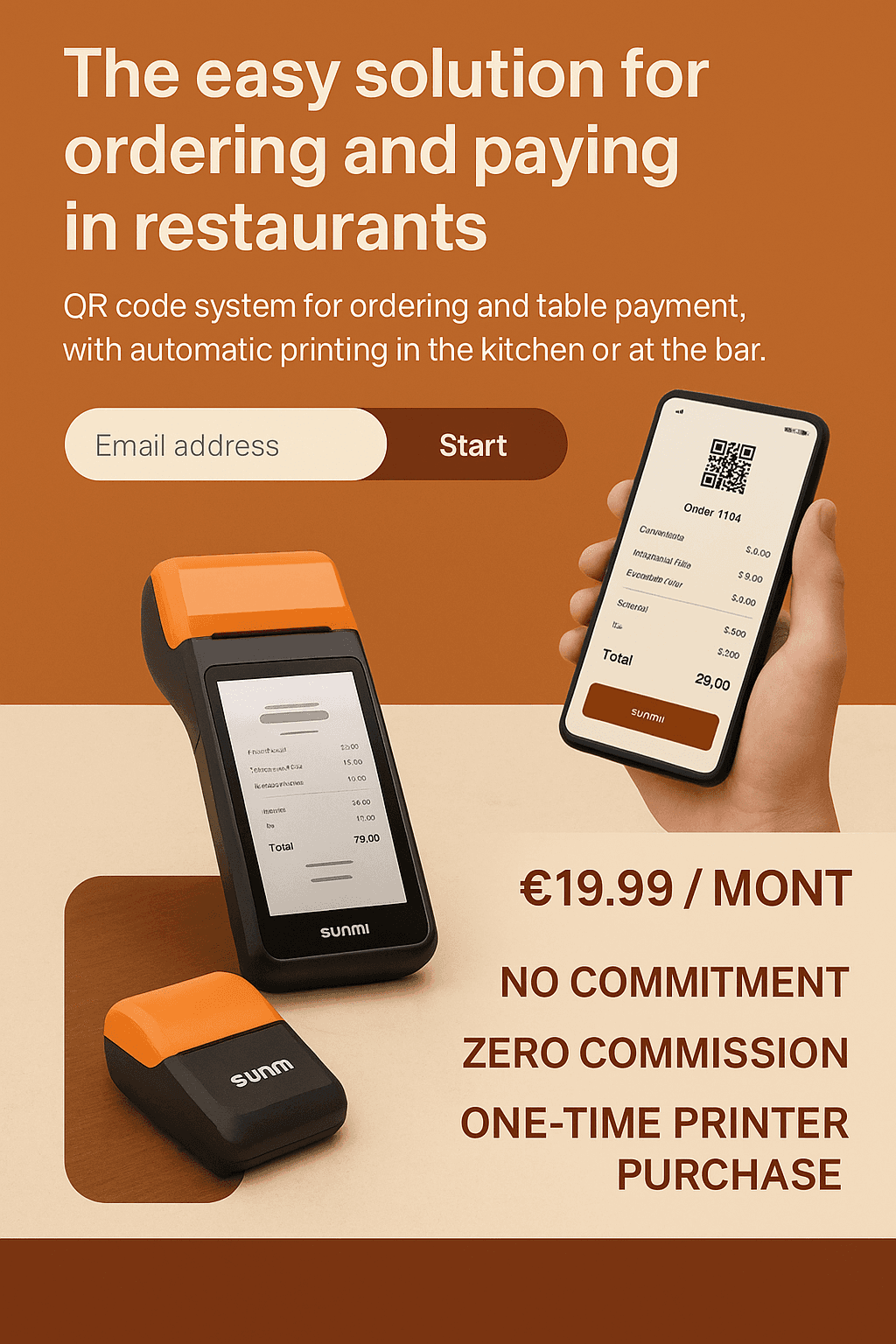
QR2App allows your customers to order and pay from their smartphone, with automatic printing of orders on a dedicated printer. No cash register to connect, no complex installation, no hidden fees.

Choose your plan

Select the plan that best matches your needs

Basic

Essential features to get started

€19.90/month

Up to 20 tables / rooms
  • Stripe integration (Optional)
  • Printer notifications
  • Customer support (reply within 24h)
  • Dedicated customer onboarding (Setup, follow-up & priority assistance)
  • Brand customization
Choose this plan

Premium

Everything you need to grow

Most popular

€29.90/month

20–50 tables / rooms
  • Stripe integration
  • Printer notifications
  • Customer support (reply within 24h)
  • Dedicated customer onboarding (Setup, follow-up & priority assistance)
  • Brand customization
Choose this plan

VIP

Advanced features for demanding users

€39.90/month

50+ tables / rooms
  • Stripe integration
  • Printer notifications
  • Customer support (reply within 12h)
  • Dedicated customer onboarding (Setup, follow-up & priority assistance)
  • Brand customization
Choose this plan

Monthly cost simulator

QR2App vs Sunday vs Square — pre-filled values (June 2026), fully editable

① Your restaurant

② Competitor assumptions (editable)

Sunday

Square

QR2App

③ Estimated monthly cost

QR2App

29,90 €

359 € / year

Sub. 29,90 € · 0 % commission

Sunday

179,00 €

2 148 € / year

Sub. 59,00 € + commission 120,00 €

Square

247,50 €

2 970 € / year

Sub. 0,00 € + commission 247,50 €

Monthly cost comparison

QR2App
29,90 €
Sunday
179,00 €
Square
247,50 €

QR2App saves 149,10 € / month

≈ 1 789 € / year vs the cheapest competitor

💡 Commission scales with revenue (Sunday, Square); QR2App stays at a fixed cost. The more a restaurant sells, the bigger the savings.

④ Quick comparison (data verified June 2026)

CriteriaQR2AppSundaySquare
Monthly price€19.90–39.90quote-based (≈€29–199)€0 to €69
Provider commission0 % (Stripe direct)≈ 0.8 % / transaction1.65 % / transaction
POS requiredNoSometimesYes
Setup time24 h (DIY)≈ 7 daysVariable
PrinterOption (purchase)Rent or purchaseNot included
CommitmentNo commitmentVariableNo commitment

⚠️ Sunday has moved to quote-based pricing; 0.8 % and €29–199 are historical estimates. Square 1.65 % confirmed (card-present, France). Values are editable above.

QR2App vs the market

SolutionPrice / monthCommissionPOS requiredTypeNote
QR2App€19.90–39.900 % (Stripe direct ≈ 1.5 %)NoQR order + payment, no POS neededNo commitment · lightest & most affordable
Sundayquote-based (≈ €29–199)≈ 0.8 % / transactionSometimesQR table paymentVery popular
Square€0 to €691.65 % / transaction (all-in)YesPOS + paymentsEcosystem + hardware
Obypay€79–199Included in subscriptionNoOrder + payment + kiosk + loyaltyMade in France · meal vouchers
Innovorder€79 → €299+Not disclosedYes (proprietary)Full ecosystem (POS, kiosks, KDS)Chains & franchises · 800+ clients
L'Addition~€49 (+ QR module)Not disclosedYes (iPad)POS + payment12,000+ FR clients
TastyCloudQuote-basedNot disclosedOptionalDigital menu → order + paymentDigital menu specialist

⚠️ Data verified June 2026; several providers are quote-based or do not disclose their commission rates.

Let's Get Started

Request a demo and discover how our application can transform your service and sales.

Ex : +33 6 xx xx xx xx

Ce site est protégé par reCAPTCHA et la Politique de confidentialité et les Conditions d'utilisation de Google s'appliquent.

Contact form illustration
Qrapp | © copyright 2025
Legal notice