Simple QR menu or ordering + payment: which solution for your restaurant?
Many restaurants, bars and hotels want to digitise their menu with a QR code. But behind this simple idea lie several levels of service: the simple QR menu, the QR menu with ordering, and the QR menu with ordering and payment. These three approaches don't meet the same need. The right choice depends on your type of venue, your organisation, your customers and your goals.
1. The simple QR menu
The customer scans a code and browses the menu on their phone: dishes, drinks, prices, allergens, photos. They cannot order directly.
Advantage
Easy to deploy, handy for quickly changing prices and availability, useful for multiple languages.
Limit
Doesn't really reduce staff workload: the customer still has to call a server to order.
For whom: Traditional restaurants, classic table service, venues where digital should stay discreet.
2. The QR menu with ordering
The customer scans, browses the menu and sends their order from their phone. Payment stays separate, settled later with the server.
Advantage
Reduces part of the staff workload and errors, since the customer selects products and options directly.
Limit
The team still has to handle payment and track unpaid orders.
For whom: Restaurants with a terrace, bars, hotels, room service, rooftops, seasonal venues.
3. The QR menu with ordering and payment
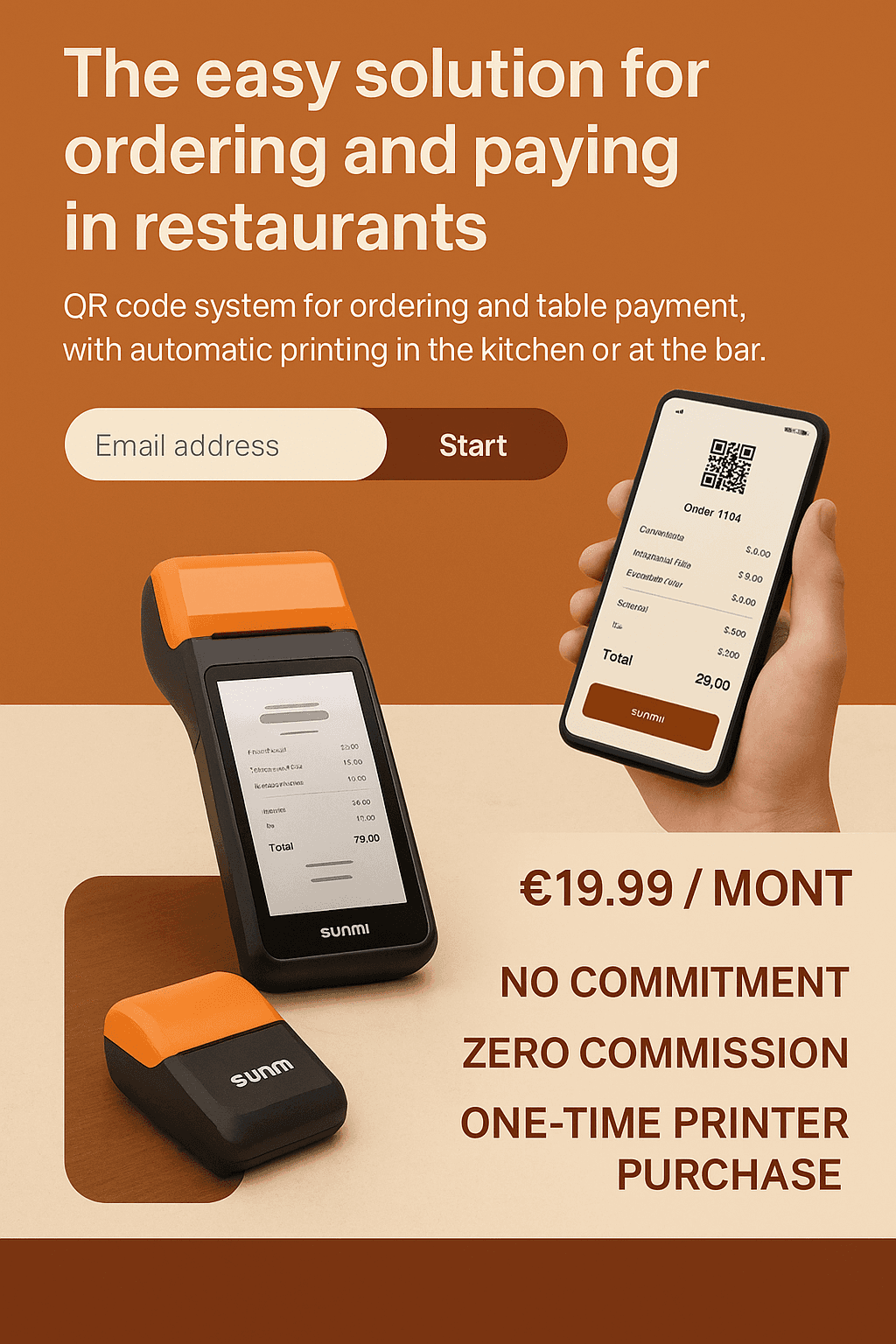
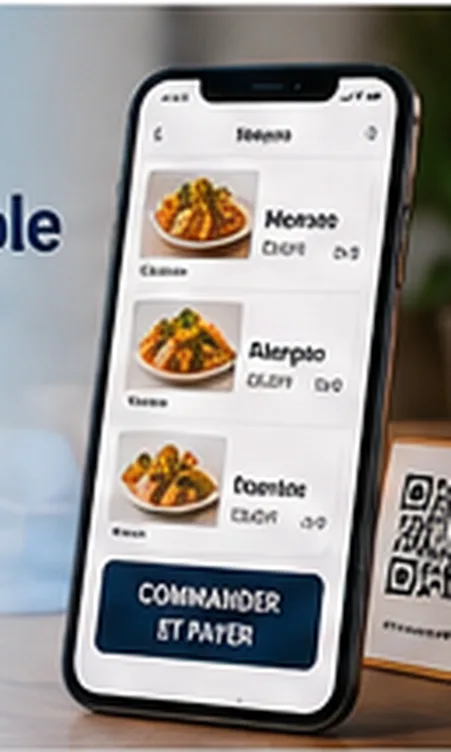
The customer scans, orders and pays directly from their phone. The order is sent to the team via an interface with notifications.
Advantage
Reduces back-and-forth and unpaid orders, speeds up service and improves table turnover.
Limit
Less suited to some traditional or fine-dining restaurants, where the customer prefers to pay at the end.
For whom: Cocktail bars, beach bars, rooftops, hotels with room service, busy terraces, events.
Comparison table
| Option | Customer action | Main advantage | Main limit |
|---|---|---|---|
| Simple QR menu | Browses the menu | Easy to set up | Doesn't reduce staff workload much |
| Menu + ordering | Browses and orders | Reduces waiting | Payment still to be handled |
| Menu + ordering + payment | Browses, orders and pays | Smooths the whole journey | Less suited to some traditional restaurants |
The role of the POS and the printer
Some solutions require a POS connection, others can work independently. If you want to test QR code ordering without a mandatory POS on a specific area, a standalone solution lets you start quickly. Likewise, QR code ordering without a mandatory printer lets you receive orders via an interface with notifications, without extra hardware.
QR2App: going beyond the simple QR menu
QR2App lets venues offer a QR menu with ordering and payment, without a mandatory POS or an imposed printer. Depending on your service constraints, also see our article on payment before a QR code order and our comparison of QR code ordering solutions.
FAQ
Is a simple QR menu enough for a restaurant?
Yes, if the goal is only to digitise the menu. No, if the goal is to significantly reduce staff workload.
What is the difference between a QR menu and QR ordering?
A QR menu only lets you browse the menu. QR ordering lets the customer send their order.
Is online payment mandatory?
No, it depends on the solution and journey chosen.
Can QR code ordering be used without a POS?
Yes, some solutions like QR2App can work without a mandatory POS.
Which option should a bar choose?
For a bar, QR ordering with payment is often worthwhile, as it reduces waiting and makes re-orders easier.