Launch a QR code ordering solution in 24 hours
Guide

How to launch a QR code ordering solution in a restaurant in 24 hours

Setting up QR code ordering in a restaurant doesn't have to take several weeks. With a simple solution, no mandatory POS and no imposed printer, a venue can get started quickly, sometimes in under 24 hours. The goal isn't to transform the whole organisation in a day, but to launch a first working journey: the customer scans, browses, orders, pays if needed, and the team receives the order.

What to prepare before you start

The menu

Categories, names, descriptions, prices, options, extras, allergens and photos if available.

Ordering areas

Dining room, terrace, bar, rooftop, rooms, pool, sun loungers, food court or event.

How orders are received

Decide who watches orders: bar, kitchen, manager, dedicated server or front desk.

Payment

Decide whether the customer pays at order time or later, depending on the type of venue.

The launch steps

  1. 1

    Create the digital menu

    Organise the menu into readable categories, with a clear name, visible price and short description for each item — not a simple copy-paste of the paper menu.

  2. 2

    Add options, extras and allergens

    Cooking, sauces, gluten-free, extras... structuring options well avoids many errors during preparation.

  3. 3

    Set up the QR codes

    A QR code per table is often the most practical for table ordering; per room or per area for a hotel.

  4. 4

    Set up payment

    Card, Apple Pay, Google Pay: test payment with an internal order before launching.

  5. 5

    Organise how orders are received

    Define who gets the notifications, who confirms, who prepares, who serves and who handles errors.

  6. 6

    Test before service

    Scan the QR code like a customer, order, test an extra, an allergen and payment.

  7. 7

    Train the team and inform customers

    15 to 30 minutes of training is often enough. On the table, a clear message: "Scan to order".

Why a POS-free solution speeds up the launch

POS integration can slow down the launch. QR code ordering without a POS lets you keep your current till, avoid a technical project and launch faster. Likewise, avoiding a mandatory printer at the start lets you begin without imposed hardware: see our guide to ordering without a printer and our comparison of notifications or a printer.

QR2App: a solution suited to a fast launch

QR2App lets you set up QR code ordering without a mandatory POS or an imposed printer. To choose the right level of service, also see our comparison of a simple QR menu vs ordering with payment and our article on information to display on a digital menu.

Common mistakes to avoid:

  • launching without testing
  • adding too many products from the start
  • forgetting important options
  • not training the team
  • imposing an overly complicated journey
  • not planning a process for errors

FAQ

Can you really launch QR code ordering in 24 hours?

Yes, if the menu is ready and the solution does not require complex POS integration.

Does the solution need to connect to a till?

Not necessarily. A solution like QR2App can work without a mandatory POS.

Is a printer required?

No, orders can be received via an interface with notifications.

Should online payment be enabled from the start?

It depends on your venue. For a bar or terrace, it is often useful. For a traditional restaurant, it can stay optional.

Can you start with just a terrace?

Yes, that is even a good method to test QR code ordering progressively.
Read also

Launch your QR code ordering tomorrow.

No commitment, no commission.

Request a free demo

QR2App – No commitment. No commission.

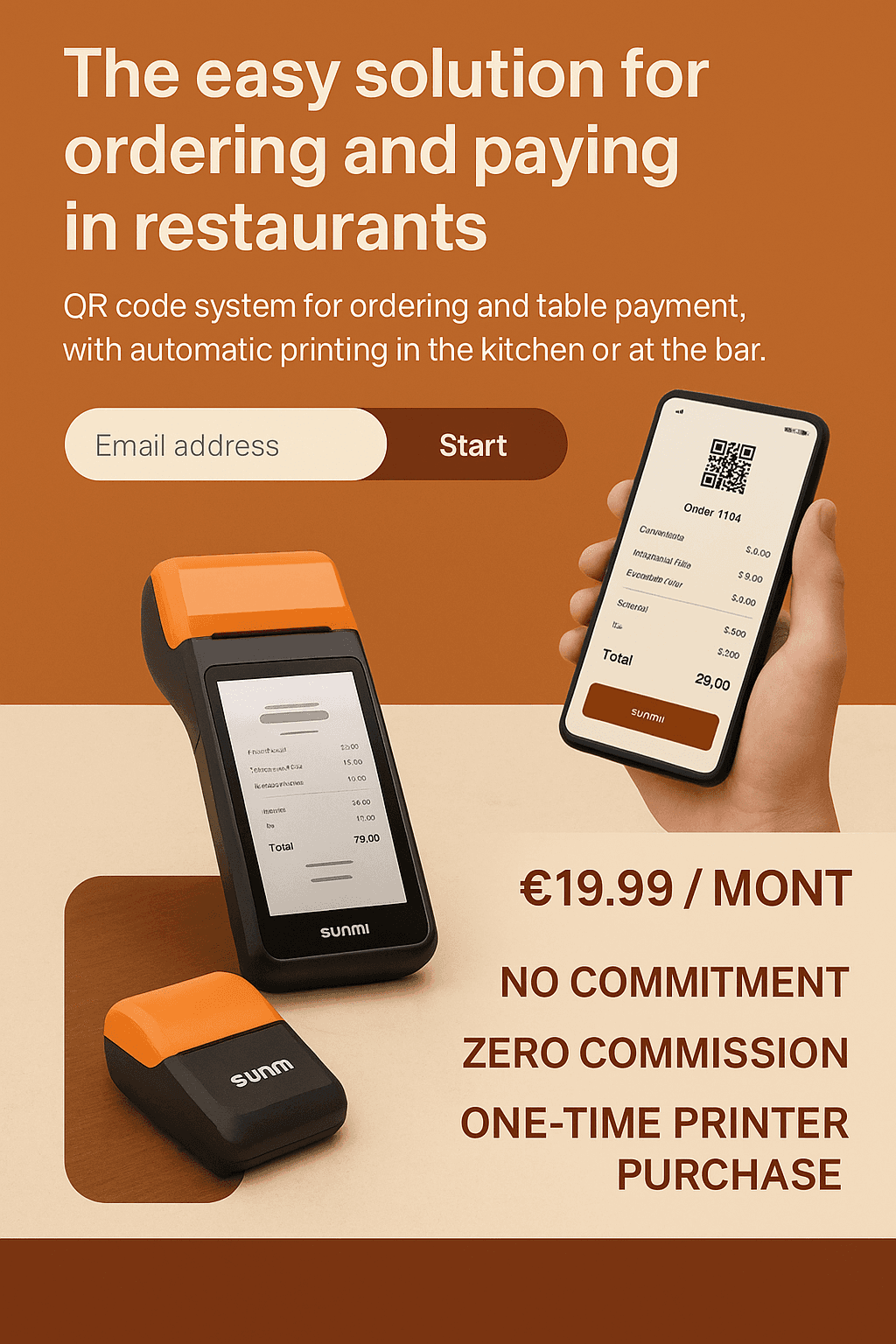
QR2App allows your customers to order and pay from their smartphone, with automatic printing of orders on a dedicated printer. No cash register to connect, no complex installation, no hidden fees.

Choose your plan

Select the plan that best matches your needs

Basic

Essential features to get started

€19.90/month

Up to 20 tables / rooms
  • Stripe integration (Optional)
  • Printer notifications
  • Customer support (reply within 24h)
  • Dedicated customer onboarding (Setup, follow-up & priority assistance)
  • Brand customization
Choose this plan

Premium

Everything you need to grow

Most popular

€29.90/month

20–50 tables / rooms
  • Stripe integration
  • Printer notifications
  • Customer support (reply within 24h)
  • Dedicated customer onboarding (Setup, follow-up & priority assistance)
  • Brand customization
Choose this plan

VIP

Advanced features for demanding users

€39.90/month

50+ tables / rooms
  • Stripe integration
  • Printer notifications
  • Customer support (reply within 12h)
  • Dedicated customer onboarding (Setup, follow-up & priority assistance)
  • Brand customization
Choose this plan

Monthly cost simulator

QR2App vs Sunday vs Square — pre-filled values (June 2026), fully editable

① Your restaurant

② Competitor assumptions (editable)

Sunday

Square

QR2App

③ Estimated monthly cost

QR2App

29,90 €

359 € / year

Sub. 29,90 € · 0 % commission

Sunday

179,00 €

2 148 € / year

Sub. 59,00 € + commission 120,00 €

Square

247,50 €

2 970 € / year

Sub. 0,00 € + commission 247,50 €

Monthly cost comparison

QR2App
29,90 €
Sunday
179,00 €
Square
247,50 €

QR2App saves 149,10 € / month

≈ 1 789 € / year vs the cheapest competitor

💡 Commission scales with revenue (Sunday, Square); QR2App stays at a fixed cost. The more a restaurant sells, the bigger the savings.

④ Quick comparison (data verified June 2026)

CriteriaQR2AppSundaySquare
Monthly price€19.90–39.90quote-based (≈€29–199)€0 to €69
Provider commission0 % (Stripe direct)≈ 0.8 % / transaction1.65 % / transaction
POS requiredNoSometimesYes
Setup time24 h (DIY)≈ 7 daysVariable
PrinterOption (purchase)Rent or purchaseNot included
CommitmentNo commitmentVariableNo commitment

⚠️ Sunday has moved to quote-based pricing; 0.8 % and €29–199 are historical estimates. Square 1.65 % confirmed (card-present, France). Values are editable above.

QR2App vs the market

SolutionPrice / monthCommissionPOS requiredTypeNote
QR2App€19.90–39.900 % (Stripe direct ≈ 1.5 %)NoQR order + payment, no POS neededNo commitment · lightest & most affordable
Sundayquote-based (≈ €29–199)≈ 0.8 % / transactionSometimesQR table paymentVery popular
Square€0 to €691.65 % / transaction (all-in)YesPOS + paymentsEcosystem + hardware
Obypay€79–199Included in subscriptionNoOrder + payment + kiosk + loyaltyMade in France · meal vouchers
Innovorder€79 → €299+Not disclosedYes (proprietary)Full ecosystem (POS, kiosks, KDS)Chains & franchises · 800+ clients
L'Addition~€49 (+ QR module)Not disclosedYes (iPad)POS + payment12,000+ FR clients
TastyCloudQuote-basedNot disclosedOptionalDigital menu → order + paymentDigital menu specialist

⚠️ Data verified June 2026; several providers are quote-based or do not disclose their commission rates.

Let's Get Started

Request a demo and discover how our application can transform your service and sales.

Ex : +33 6 xx xx xx xx

Ce site est protégé par reCAPTCHA et la Politique de confidentialité et les Conditions d'utilisation de Google s'appliquent.

Contact form illustration
Qrapp | © copyright 2025
Legal notice